

What each one is for
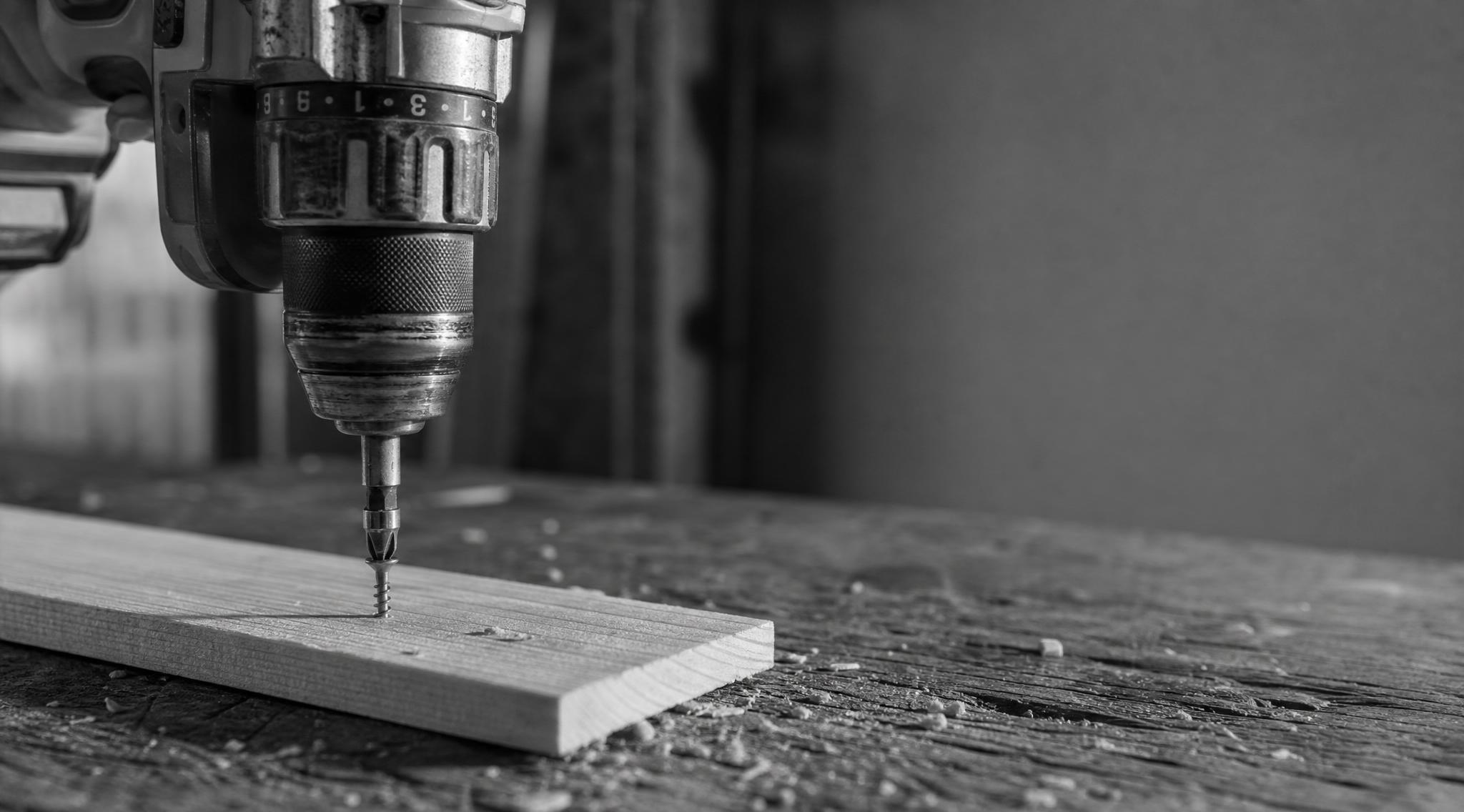
A drill — properly a drill driver — does two jobs: it bores round holes, and it drives screws. The business end is a chuck, the adjustable grip that clamps round any bit you put in it, from a thin twist bit to a fat spade bit. It also has a clutch, the numbered collar behind the chuck that lets the drill slip once a screw’s driven far enough, so you don’t punch it straight through. That combination is what makes the drill the all-rounder.
An impact driver does one job and does it harder: it drives screws and bolts. It has no chuck. Instead there’s a quick-release socket that takes 1/4-inch hex bits — the six-sided shanks you snap in and out. It’s shorter and lighter than a drill, and it sinks a long screw the drill would labour over. What it can’t do is bore a clean round hole with ordinary bits.
How each one sinks a screw
This is the part worth understanding, because it’s the whole reason both tools exist. Torque is twisting force — the grunt that turns the screw. A drill applies it as one smooth, constant push. Drive a long screw into hardwood and that push has to go somewhere: it twists back through the tool and into your wrist, and if the screw stops turning before it’s home, the bit cams out — slips up out of the screw head — and chews the slot.
An impact driver gets around that with an impact mechanism. Inside, a spring-loaded hammer spins up and whacks an anvil dozens of times a second, adding a sharp sideways blow on top of the steady turn. (That’s the rattling sound — it’s the tool working, not breaking.) Each blow nudges the screw a little further without loading up your wrist, so it keeps sinking long screws and lag bolts long after a drill would stall and start camming out. That’s why a small impact driver feels like it has twice the muscle of a bigger drill.
What only a drill can do
- Bore holes. The chuck holds round-shank drill bits; an impact driver’s hex socket won’t grip them, and the hammering would wreck a clean hole anyway.
- Drive delicately. The clutch lets you set a torque limit, so you can run a small screw into soft pine, or a cabinet hinge, without driving it through the other side. An impact driver has no clutch — it hits until you let go of the trigger.
- Drill masonry. A hammer drill like the DHP484 adds a mode that punches forward as it spins, for getting into brick and concrete.
A quick word on names, because they catch people out. A hammer drill and an impact driver both “hammer”, but in different directions. A hammer drill pounds forward, into the wall, to bore masonry. An impact driver hammers around, rotationally, to drive screws. It’s the same word for two different tools — don’t buy one expecting the other.
What an impact driver does better
- Long screws and bolts. Batten screws, decking screws, coach and lag bolts — it sinks them without stalling or stripping the head.
- Less cam-out, less wrist strain. The blows do the work, so the bit’s far less likely to jump out and chew the screw, and the tool doesn’t try to twist out of your grip on every drive.
- Tight spots. It’s stubbier than a drill, so it gets into corners and between studs a bulkier drill can’t reach.
Do you need both?
Short answer: if you’re buying one tool, buy the drill. It’s the all-rounder — it bores holes (which the impact driver can’t), and it drives most of the screws a home job throws up. If you find yourself driving a lot of screws — a deck, a fence, framing, flat-pack by the trailer-load — add the impact driver and you’ll wonder how you managed without it. Plenty of people end up owning both, often as a twin combo kit that shares the same batteries and charger.
Here’s where the two of us land a little differently:
Matt: Buy the brushless drill first, then add the impact driver when the jobs justify it. Buy once, buy right — and on a single platform they share the batteries you’ve already paid for, so the second tool only costs you the skin.
Joel: Most first-timers only need the drill and a decent bit set for a year. Put the impact-driver money into spare batteries and good bits, and add the driver the day you start a project with a hundred screws in it.
We agree on the order, though: drill first, impact driver second. Nobody who’s driven a hundred batten screws with a plain drill goes back to doing it that way.
They’re loud — wear ear protection
An impact driver is loud — a fair bit louder than the drill, and the noise is the sharp, ringing kind. A long afternoon of decking screws will leave your ears humming if you don’t cover them. A pair of earplugs or muffs is the cheapest gear you’ll buy and the bit most people skip. SafeWork’s guidance on noise at work is written for job sites, but the physics is the same in your shed — loud is loud, and hearing doesn’t come back. If you’re buying a pair, we’ve ranked the best ear muffs for power tools and shed work, including what the Australian Class rating on the box means.
What we’d buy
For most people starting out: a good brushless drill, on whatever battery platform you’re building. That one tool covers boring holes and driving screws, and it’ll handle the bulk of a home project on its own. Add the impact driver once you’ve got a job with real screwing in it — and once you do, you’ll reach for it more than you expect.
The pair in the tiles above is the two-tool kit we’d point a Makita household at: the DHP484 drill for the all-round work and the DTD153 impact driver for the long screws. The logic holds on any platform, though — drill first, driver second, both on the same batteries. If you haven’t picked a platform yet, that’s the real first decision, and it’s the one we’ve argued out end to end in the battery platform comparison.